Last updated: November 12, 2026
Quick Answer: build a content queue in 5 steps: sort every request into a clear content calendar, assign a workflow status, and rank work by due date, effort, and blockage so AI drafts do not pile up behind review.
Key Takeaways
- A content queue shows what is next, blocked, and ready to ship this week.
- Split work into stages, then sort each item by due date and effort.
- Write priority rules before the week starts.
- Capacity planning matches request volume to the review time your team actually has.
A messy content queue makes AI production slow, out of order, and hard to trust. A good content queue fixes that by turning requests into a visible editorial queue with rules, statuses, and capacity limits. The steps below show how to set it up without letting drafts bottleneck in review or jump the line.
What a content queue does for AI-assisted production
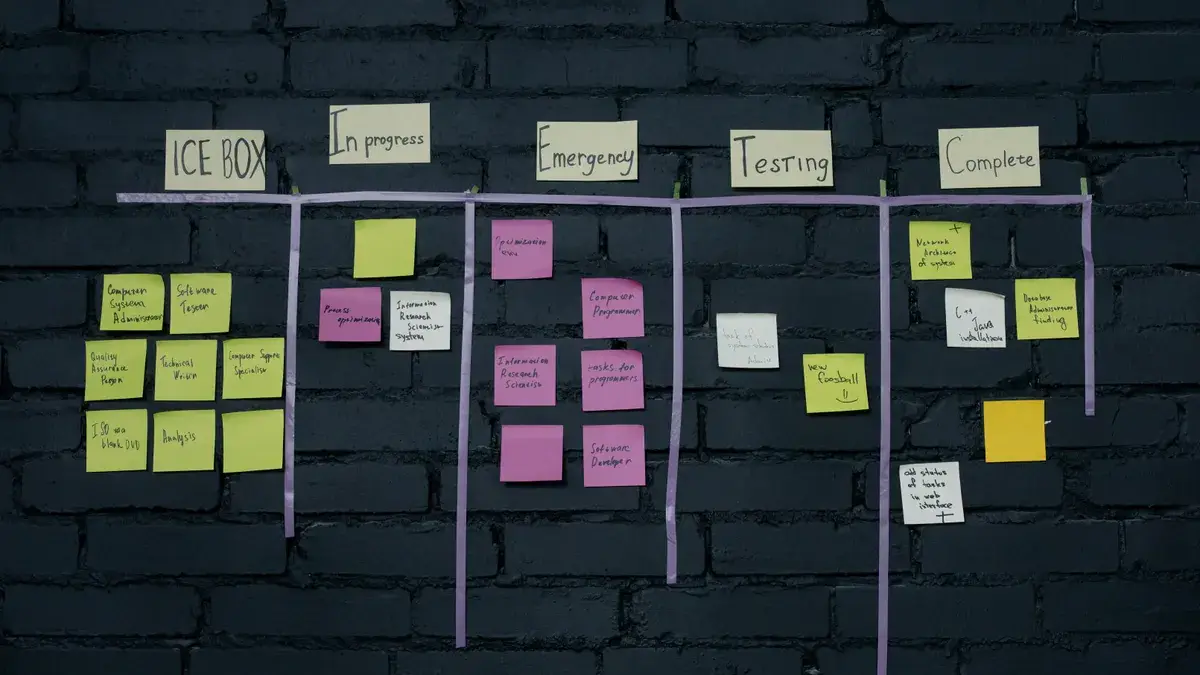
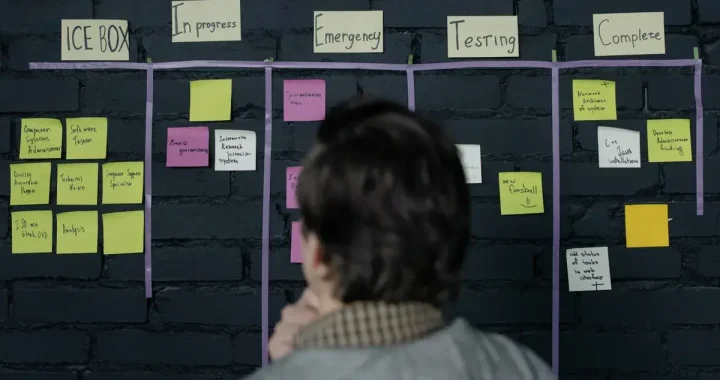
A content queue gives you one place to see what gets written next, what is blocked, and what can ship this week. Picture this: you have six blog posts, three product pages, and two social updates waiting for AI drafts, and each one has a different due date. The queue keeps that work from turning into a guess.
The best queue is not just a list; it is a content queue, editorial queue, and workflow board tied together with one rule set. That means each item has a status, a priority, and a clear owner before AI starts drafting.
A queue also solves a common AI problem: the model can draft faster than people can review. If you do not cap intake, the review pile grows while new requests keep arriving. That is how a simple backlog becomes a mess.
Use this structure:
- Content calendar for publication dates
- Project board for active work
- Workflow status for each stage
- Priority rules for order
- Capacity planning for weekly load
The truth is, a queue is less about software and more about decision-making. One request at the top means another waits. If that feels blunt, good. A queue only works when the order is visible.
How do you organize a content queue?
You organize a content queue by splitting work into stages, then sorting each item by due date and effort. Picture this: a new post comes in from marketing, a product update comes in from sales, and a refresh request comes in from SEO. If all three land in one list, the fastest one often wins, not the most important one.
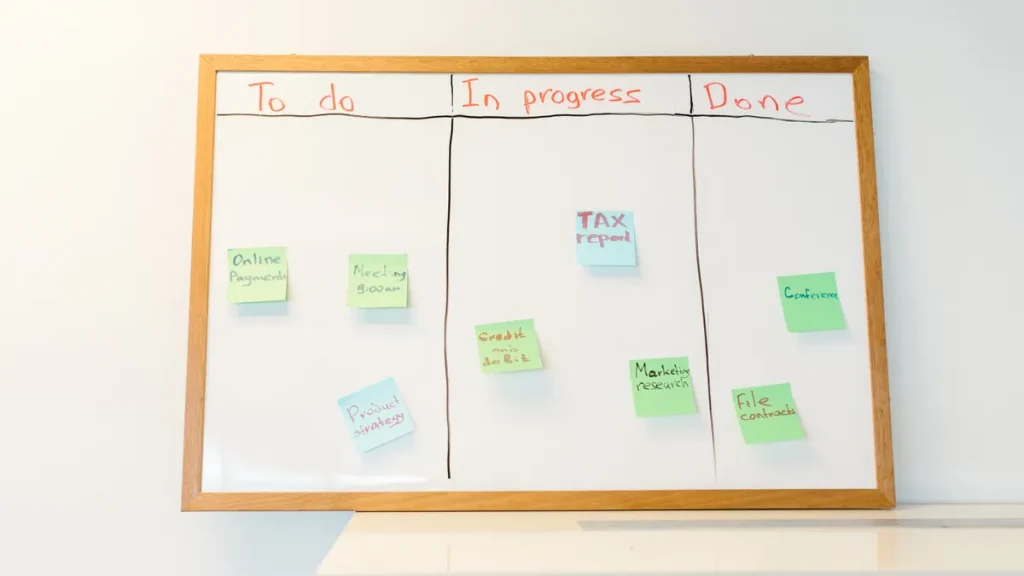
Start with five workflow stages: Intake, Brief Ready, AI Drafted, Human Review, Scheduled. Add Blocked only if you need a holding place for missing input. Keep the list short. A board with ten labels looks smart and behaves badly.
Use this order:
- Set one intake form or request path so every item enters the same queue.
- Create five workflow statuses so the board shows where every post sits.
- Sort each item by due date first, then by business priority, then by effort.
- Cap the number of AI drafts in progress at once so review does not jam.
- Flag blocked items with the missing detail, not a vague note like “waiting.”
On a small team, three active AI drafts may be enough. On a larger team, the number depends on review speed, not writer appetite. If review takes two days and drafting takes twenty minutes, more intake will not help. It will just stretch the line.
Build the queue around priority rules, not vibes
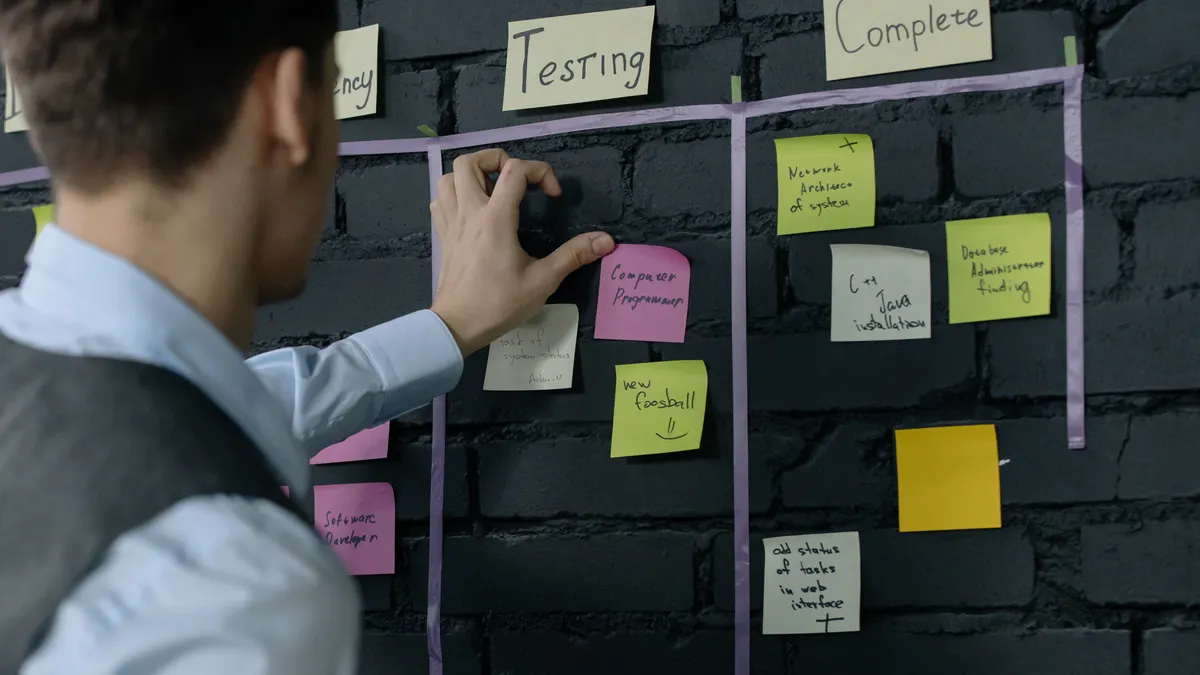
A content queue works best when priority rules are written down before the week starts. Picture this: two posts are due Friday, one supports a launch, and one is “nice to have.” If the rule is fuzzy, the loudest request moves first.
Set your rules in plain language. A common order is: launch work first, dated work second, evergreen refreshes third, low-stakes experiments last. If your team cares about revenue, compliance, or event dates, put that rule above all others.
A simple priority formula helps:
- Due date
- Business impact
- Production effort
- Dependency risk
You do not need a math model to start. Even a 1 to 3 ranking for each factor can make the queue clearer. A Friday deadline with a launch tag beats a loose idea for next month, even if the loose idea sounds exciting.
Here’s the catch: priority rules only work if they are the same for everyone. If one person sorts by seniority and another sorts by workload, the queue turns into politics. Put the rule in the board itself, not in a private note.
Make one status called Needs Decision for items that are too vague to rank. That keeps half-baked asks from clogging the queue under fake urgency.
Use capacity planning so AI drafts don’t pile up
Capacity planning keeps the queue honest by matching request volume to the time your team can actually review. Picture this: AI can draft ten articles in a day, but editors can only handle four. Without a cap, six drafts sit untouched and everything behind them slows down.
Start with one weekly review window. Many teams use a 30-minute planning slot at the start of the week and a 15-minute queue check midweek. That is enough to decide what enters production and what waits.
Build the queue around three numbers:
- Review slots per week
- Drafts in progress
- Blocked items aging
If your review team has two editors and each can handle two drafts a day, that gives you a real ceiling. The number may be lower after meetings, approvals, or fact checks. Use the lower number, not the hopeful one.
A queue with capacity limits also protects content quality. AI can produce a clean draft fast, but fast is not the same as ready. When the queue respects review bandwidth, the team can fix structure, tone, and factual gaps before the post is scheduled.
Capacity planning also makes it easier to say no without making it personal. The board says the queue is full. That is a process answer, not a mood.
What belongs in each workflow status?
Each workflow status should tell you what happens next, not just where something sits. Picture this: a post marked “In Progress” could mean research, drafting, editing, or waiting on legal review. That kind of label hides the real problem.
Use status names that describe work, not hope. A useful set looks like this:
- Intake: request received
- Brief Ready: scope and angle approved
- AI Drafted: first draft complete
- Human Review: edited by a person
- Scheduled: publication date locked
- Blocked: missing input or decision
A board that uses these stages can show where items stall. If five drafts sit in Human Review, the bottleneck is obvious. If half your queue stays in Intake, the issue is probably the brief, not the drafting.
This is where a project board earns its keep. It turns hidden work into visible work. It also helps you separate draft speed from production speed, which are not the same thing. A queue that counts only new drafts will lie to you.
Keep one rule for blocked work: every blocked item must name the blocker and the next owner. “Need source” is better than “waiting.” “Need source from product lead by Tuesday” is better still.
How to sort due dates without wrecking the queue
You sort due dates by combining the publication date with the real work left before that date. Picture this: three posts all say Friday, but one still needs a brief, one needs a draft, and one only needs scheduling. Those are not equal jobs.
Set due dates in two layers if your board allows it. Use a publish date for the content calendar and a start date for the queue. The publish date tells you when it must go live. The start date tells you when AI drafting should begin.
A simple sorting rule works well:
- Anything due in the next 7 days goes to the top.
- Anything with a hard external date outranks evergreen work.
- Anything blocked drops below work that can move today.
- Anything with no date gets parked in a low-priority lane.
This is not about being rigid. It is about avoiding surprise. A queue with clear due dates makes it obvious when a post is late before anyone has to ask.
The truth is, due dates alone can mislead you. A low-effort update due tomorrow may take less time than a complex article due next week. That is why due date sorting has to sit next to effort and dependency checks, not replace them.
Fix blocked items before they poison the queue
Blocked items should be handled fast because they create fake clutter and hide real work. Picture this: a draft waits three days for one missing product detail, and six other items keep moving around it. Soon the board looks busy while progress slows down.
Give blocked items a clear path out. Use one of three actions: send back for missing input, move to a waiting lane, or kill the request if it is no longer needed. That last one matters. Dead work clogs the queue just as badly as unfinished work.
A blocked item needs three things on its card:
- What is missing
- Who owns the next step
- When it will be checked again
If an item has been blocked for a week, it is not “on hold.” It is probably forgotten. Review blocked work at least once a week so stale items do not keep their place.
That habit also protects your AI workflow. AI drafts often look closer to finished than they are, so blocked items can hide behind a decent first pass. A queue that forces a status change keeps people from mistaking output for progress.
For a team operating inside the broader AI content operations for teams hub, this is the piece that keeps everything else from drifting. The queue only works when blocked work gets handled on purpose, not by accident.
A simple setup you can run this week
You can build a workable content queue in one afternoon if you keep the setup small. Picture this: you open a project board, move every request into one lane, and give each item a status, a due date, and a priority. That is enough to start.
Use this setup:
- One intake path
- One content calendar
- Five workflow statuses
- One weekly planning slot
- One review cap for active drafts
If you already use a project board, keep it. If you use a spreadsheet, that can work too. The tool matters less than the rules attached to it. A board with no sorting logic is just a long list.
Do not start by perfecting labels. Start by making sure every item has a place, every place has a meaning, and every draft has a limit. Then watch the queue for one or two weeks. If review keeps lagging, lower the number of active drafts. If intake keeps spiking, tighten the request path.
Big mistake: treating the queue like a storage bin. It is not storage. It is a decision system. If you are unsure how to set review limits or handling rules for your team, consult an editor or operations professional, and use a source such as the Content Marketing Institute’s guidance on editorial workflows.
How do you organize a content queue?
You organize a content queue by giving every request one home, one status, and one rank. Put incoming work into a content calendar or project board, then sort it by due date, priority, and capacity. If items can sit anywhere, they will. That is how drafts get produced out of order.
What is the best way to manage writing tasks?
A practical way to manage writing tasks is to keep the queue small enough for the review team to clear each week. Use workflow status labels, cap the number of active AI drafts, and move blocked items out of the main lane. A clean queue beats a long to-do list because it shows what can move now.
How do you prioritize AI content requests?
You prioritize AI content requests by using written rules, not gut feel. Put launch work, hard deadlines, and high-impact posts above evergreen or low-urgency requests. If two items look equal, sort by effort and dependency risk so the queue stays fair and predictable.
Drafted with AI; not yet reviewed by a person.